Settings and graphics
From the WaveFern Wiki
Settings opens from the main menu or the pause menu. Under Graphics pick a preset or your own mix.[1]
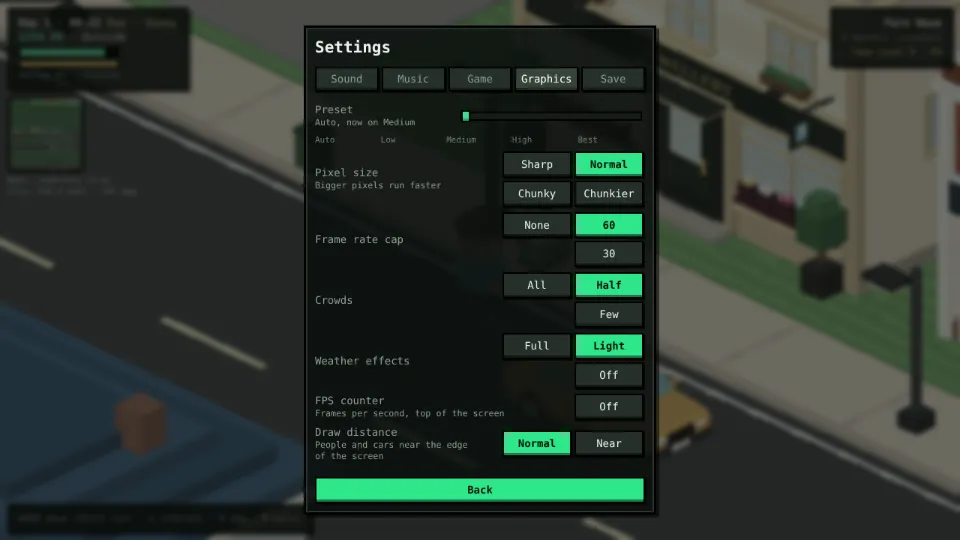
| Preset | Pixel size | Frame cap | Crowds | Weather | Draw distance |
|---|---|---|---|---|---|
| High | 3 | none | all | full | normal |
| Medium | 3 | 60 | half | light | normal |
| Low | 4 | 30 | a quarter | off | near |
Auto starts on High and steps down while the game runs slowly, remembering the level it settled on. Graphics settings are saved per device, never in your career.
References
- ^
122-graphics.js. WaveFern Records source code, game v47.9.0. - ^
09-settings-effects.js. WaveFern Records source code, game v47.9.0.
Category: About the game