Saves and careers
From the WaveFern Wiki
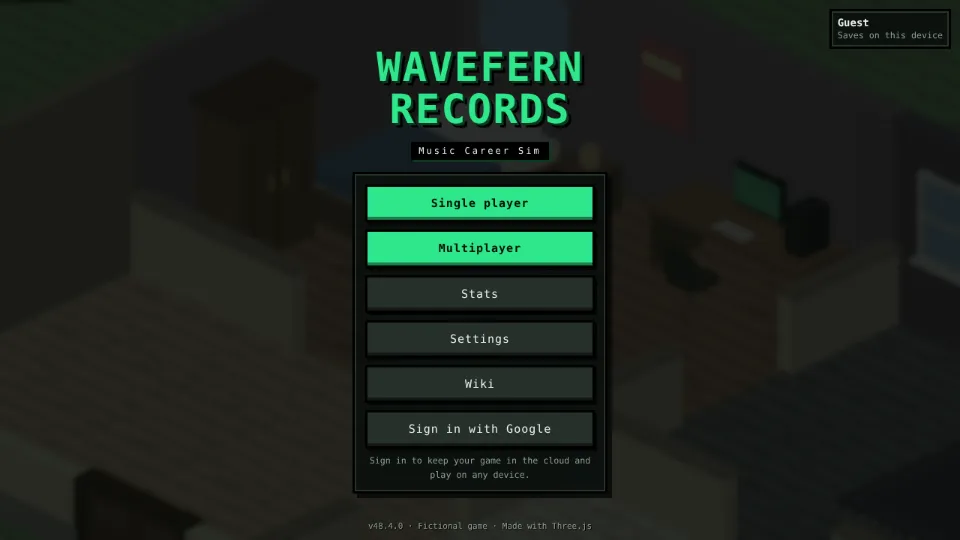
The main menu has two career slots. Each career saves on its own, so nothing leaks between them.[1]
How saving works
- The game autosaves to your browser as you play.
- Sign in with Google from the main menu to keep your career in the cloud and play it on any device.
- The pause menu can export a save code (starts with
FW3-). Paste it back in to load it anywhere. OlderFW2-andFW1-codes still load. - If a save ever fails to load it is kept as a recoverable backup instead of being lost. Backups show under Recovered backups on the career screen: press Recover, or drag one onto a slot.
Band careersBand rooms keep a separate band career for each room, on your device. It never touches your two career slots or your cloud save.
References
- ^
12-save-load.js. WaveFern Records source code, game v47.9.0. - ^
86-google-signin.js. WaveFern Records source code, game v47.9.0.
Category: About the game